Chat with Ollama on the phone.

Ollama Mobile is the native iPhone and Android app for private AI chat. Use local network or Ollama Cloud endpoints, reuse prompts, generate images, and keep conversations on the device.

  • Point it to local network or cloud endpoints
  • Chats and prompts stay on the device
  • Chat about anything, no additional gates
  • No ads pushed in your face
  • No data mining
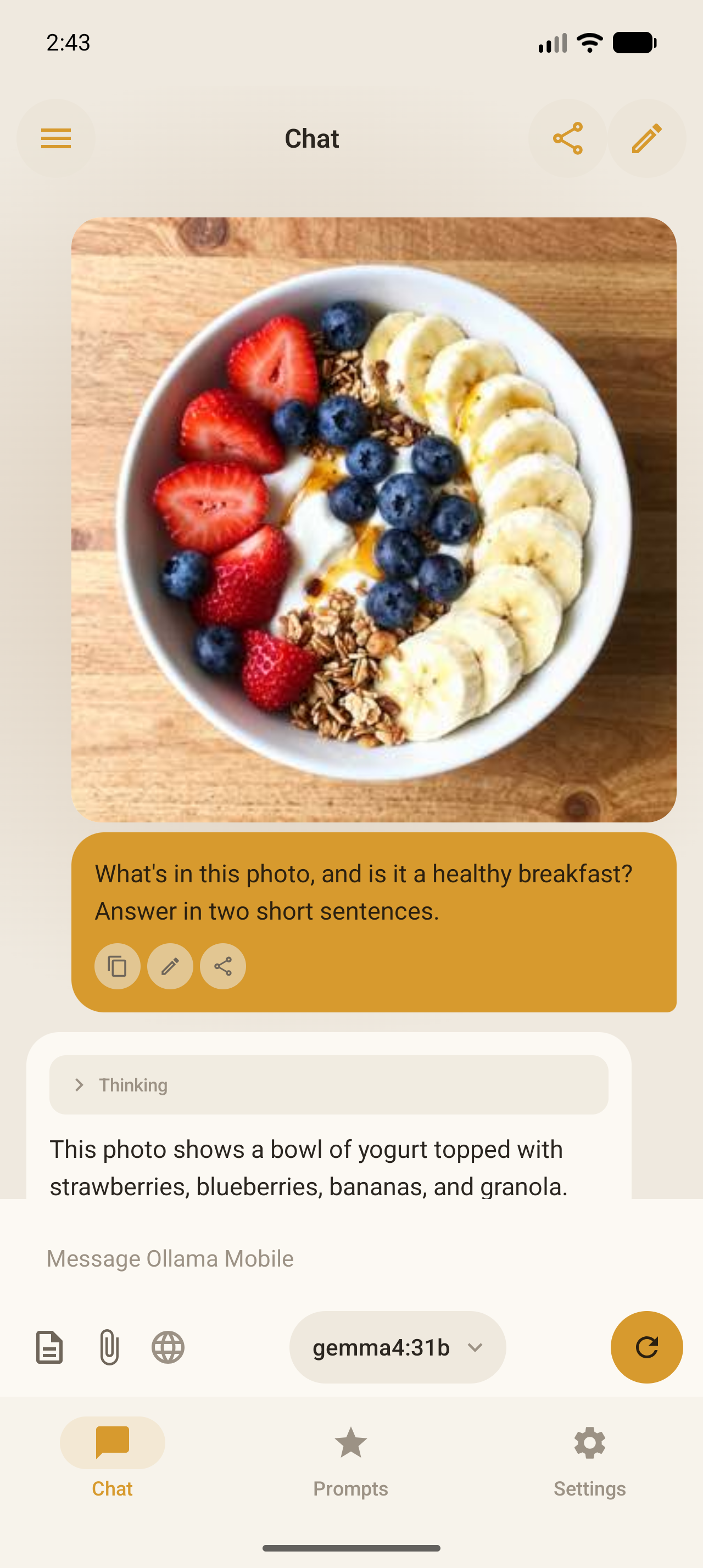
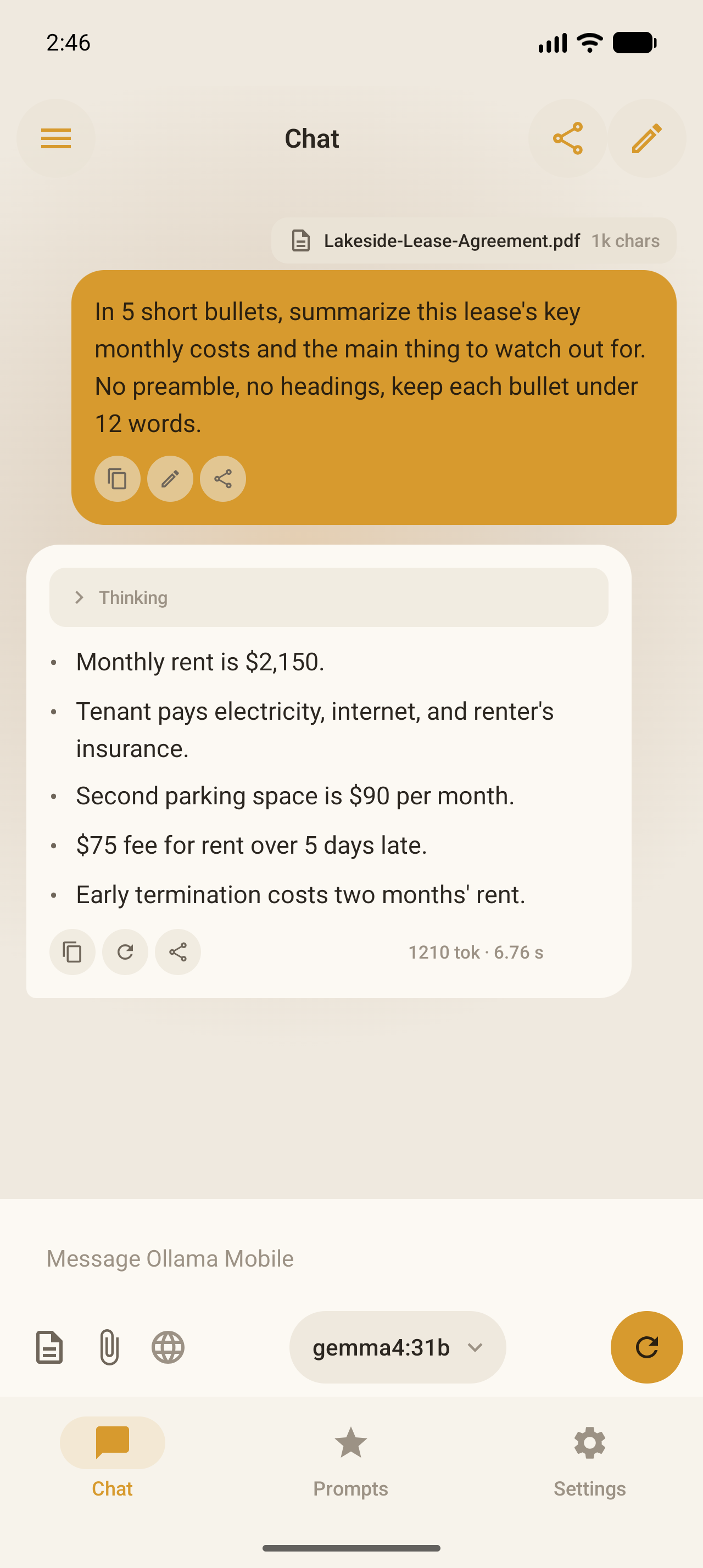
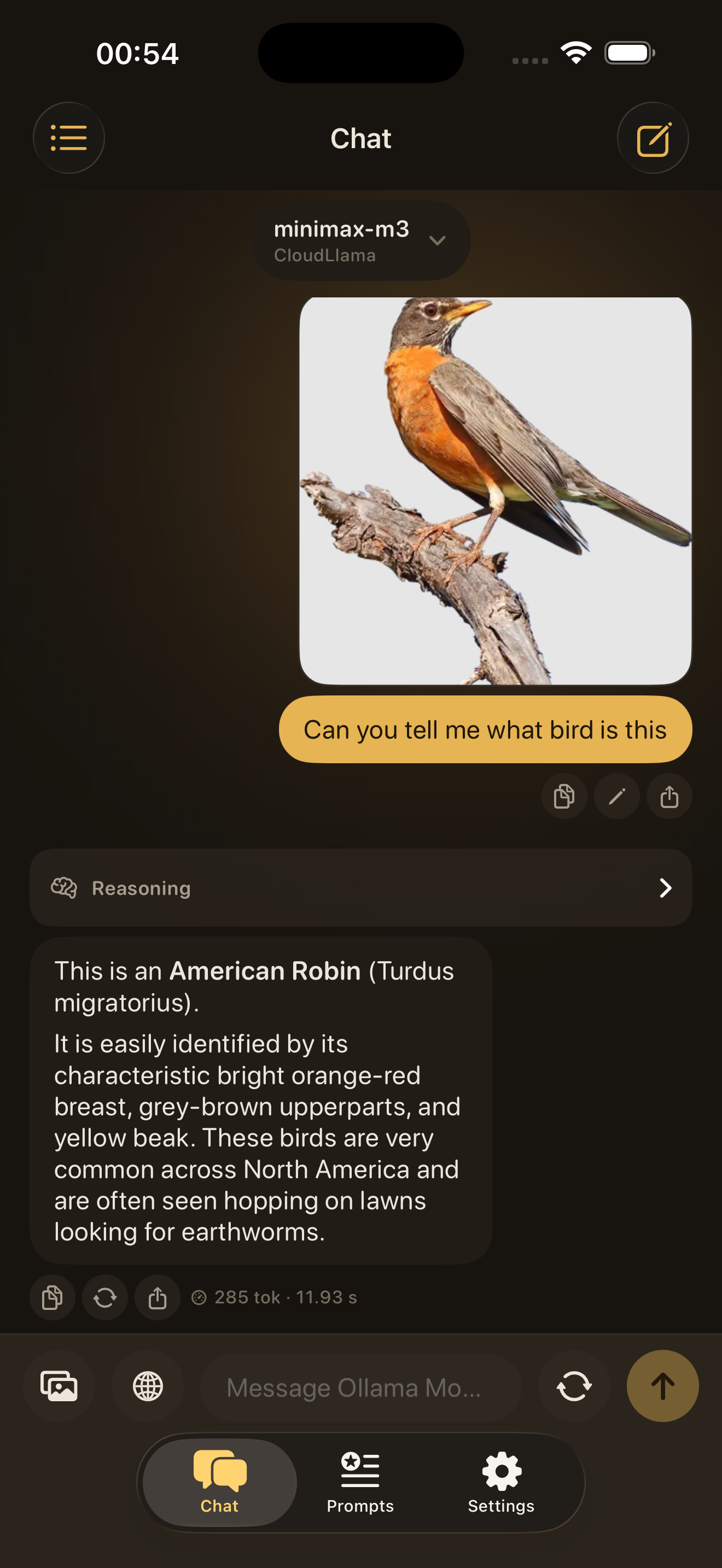
Ollama Mobile chat view on a phone screen
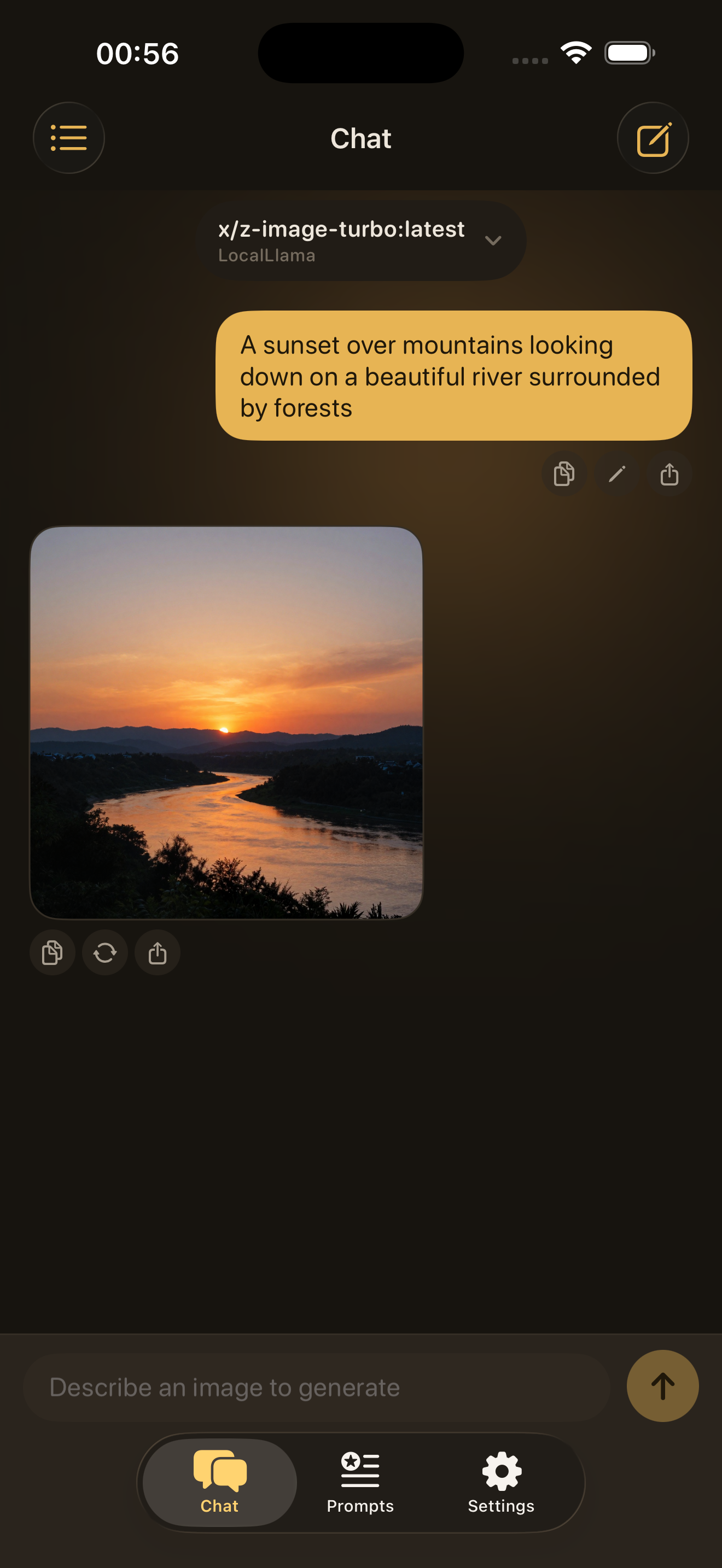
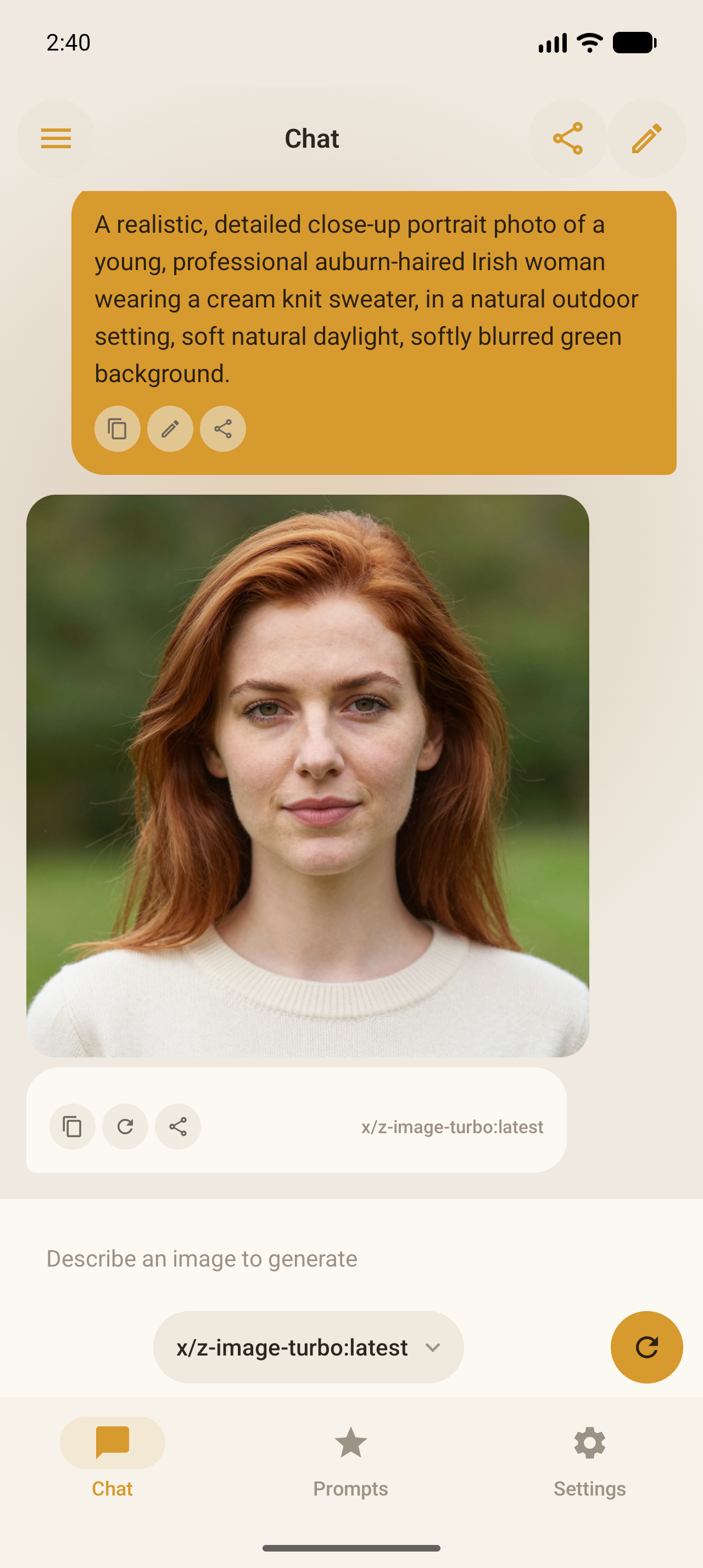
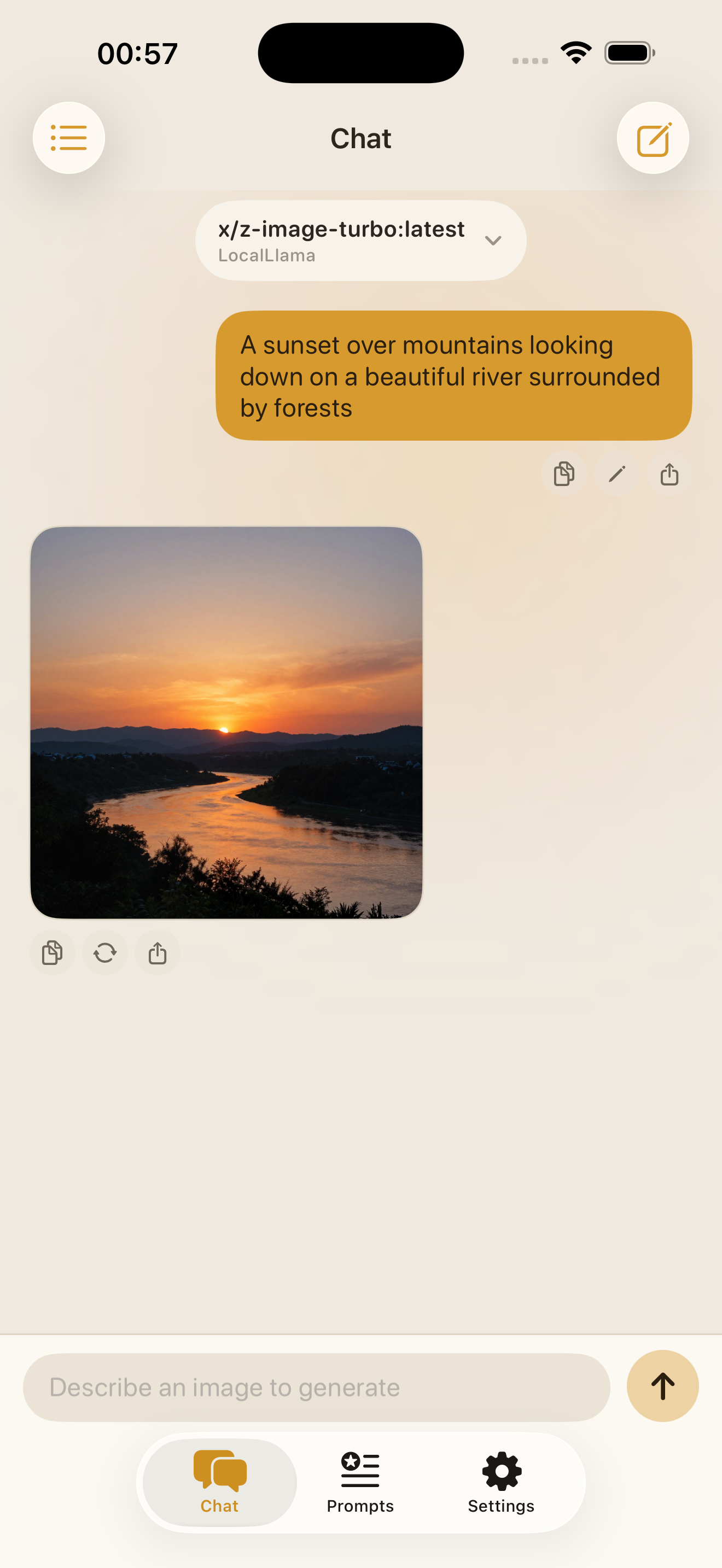
Ollama Mobile image generation view on a phone screen


Free.
Always.

Most apps charge you, track you, or lock features behind a paywall. We don't. AI should be for everyone. Just connect to your Ollama

  • No cost Free to download and use, forever.
  • No ads Zero advertising. No ad network. No tracking.
  • No login No account needed. Open the app and go.
  • No in-app purchases Every feature is included. Nothing is locked.
A Mission Credible product From our family to yours: honest tools for an uncertain world. ↗
Free forever No ads No login No in-app purchases Local and cloud endpoints Chat history Generate images Builtin prompts Custom prompts Privacy-first storage Automatic light and dark themes Free forever No ads No login No in-app purchases Local and cloud endpoints Chat history Generate images Builtin prompts Custom prompts Privacy-first storage Automatic light and dark themes Free forever No ads No login No in-app purchases Local and cloud endpoints Chat history Generate images Builtin prompts Custom prompts Privacy-first storage Automatic light and dark themes
Why this exists

Ollama has no official mobile app

Ollama is one of the best tools for running open source AI models but presently there is no mobile client. Away from your desk means away from your models. We built Ollama Mobile to close that gap. Ollama mobile is a native iPhone and Android app that works with Ollama endpoints.
How we handle data

We log nothing

We follow Ollama's own philosophy. Chats, prompts, and API keys never touch our servers. The app talks directly to your endpoint and nothing is stored, logged, or routed elsewhere. Your data, your rules, exactly as Ollama intends.

Simple to setup and use


A mobile AI app that makes the workflow obvious.

  1. 01

    Point it at the endpoint you control

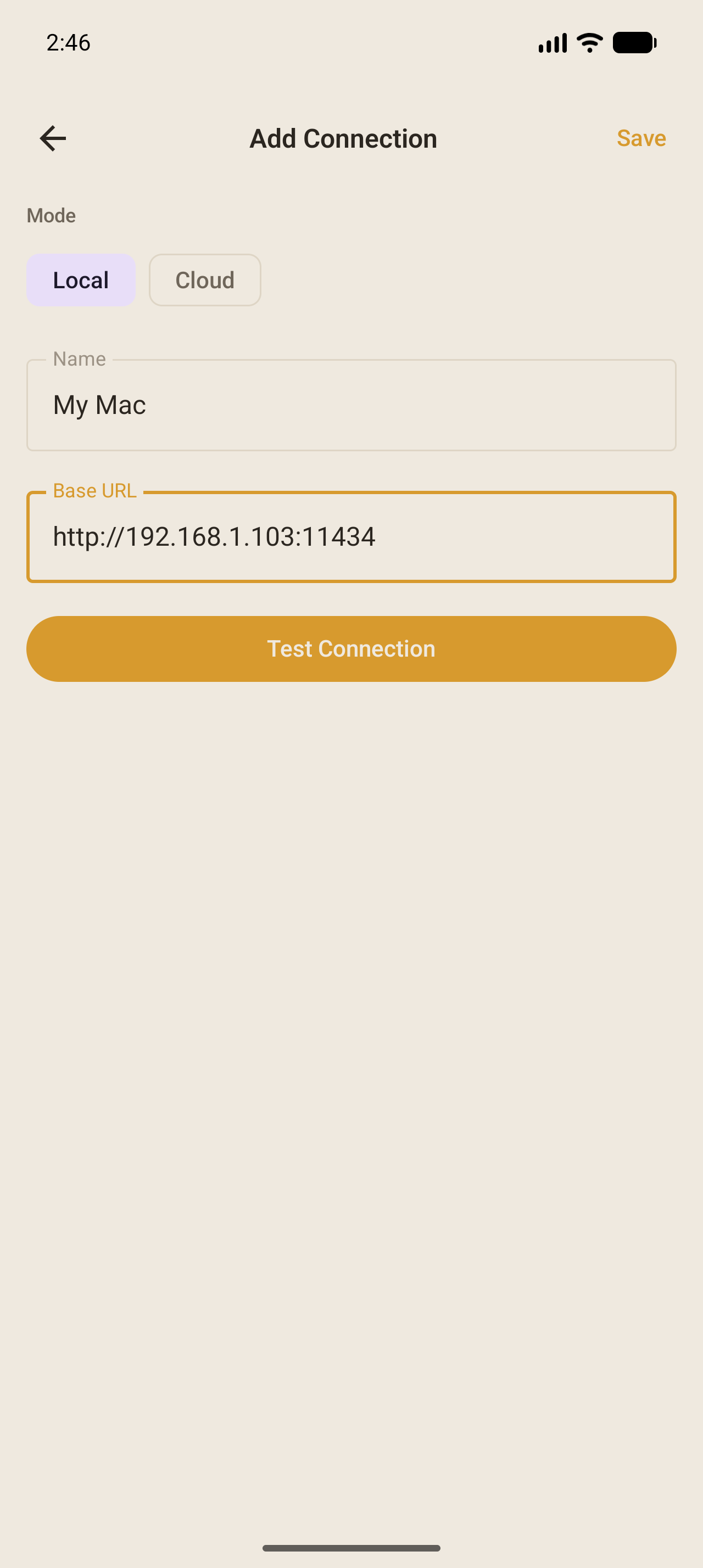
    Connect to a local network model or Ollama Cloud. Endpoint setup is visible and explicit.

  2. 02

    Move faster with prompts and shortcuts

    Use builtin prompts, create your own custom prompt, then jump into common jobs like summarize, explain like I am 5, or generate an image.

  3. 03

    Keep data private on the device

    Chats, prompts, and keys stay local. The app is built around device storage and keychain-backed credentials, so privacy is part of the product behavior.

Connect to Ollama Cloud

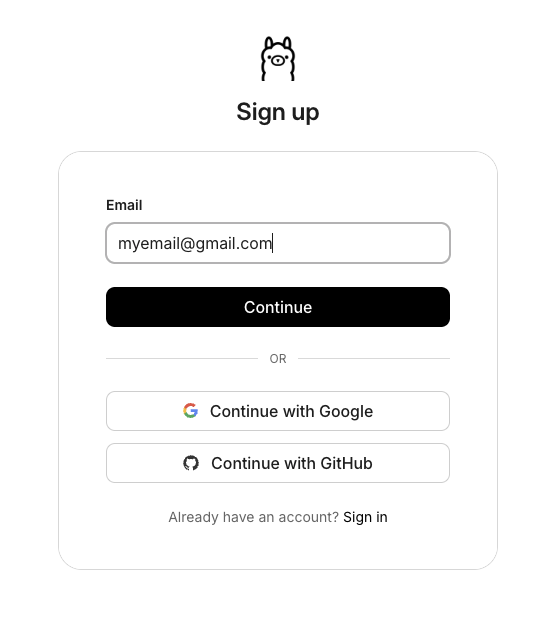
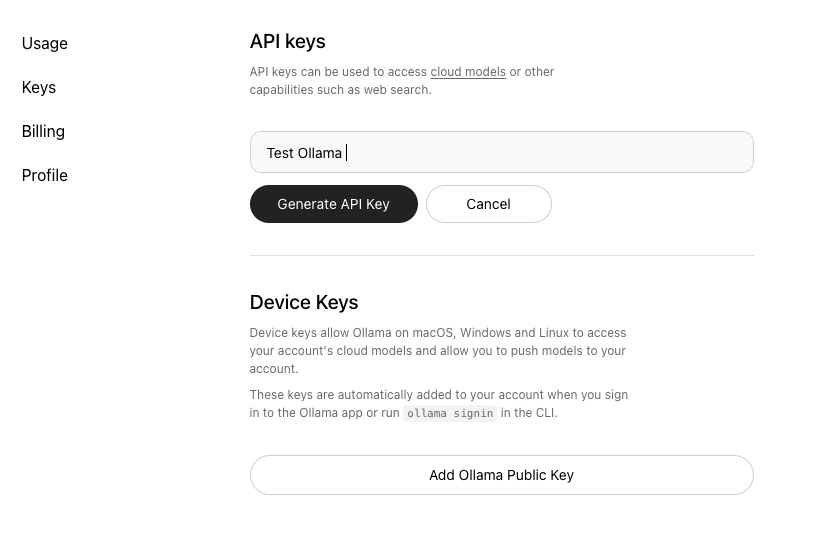
Sign up at ollama.com, generate a free API key, and you're ready to chat from anywhere.

Sign up on ollama.com
01 Create an account
signin.ollama.com/sign-up ↗
Generate your API key
02 Generate your key
ollama.com/settings/keys ↗
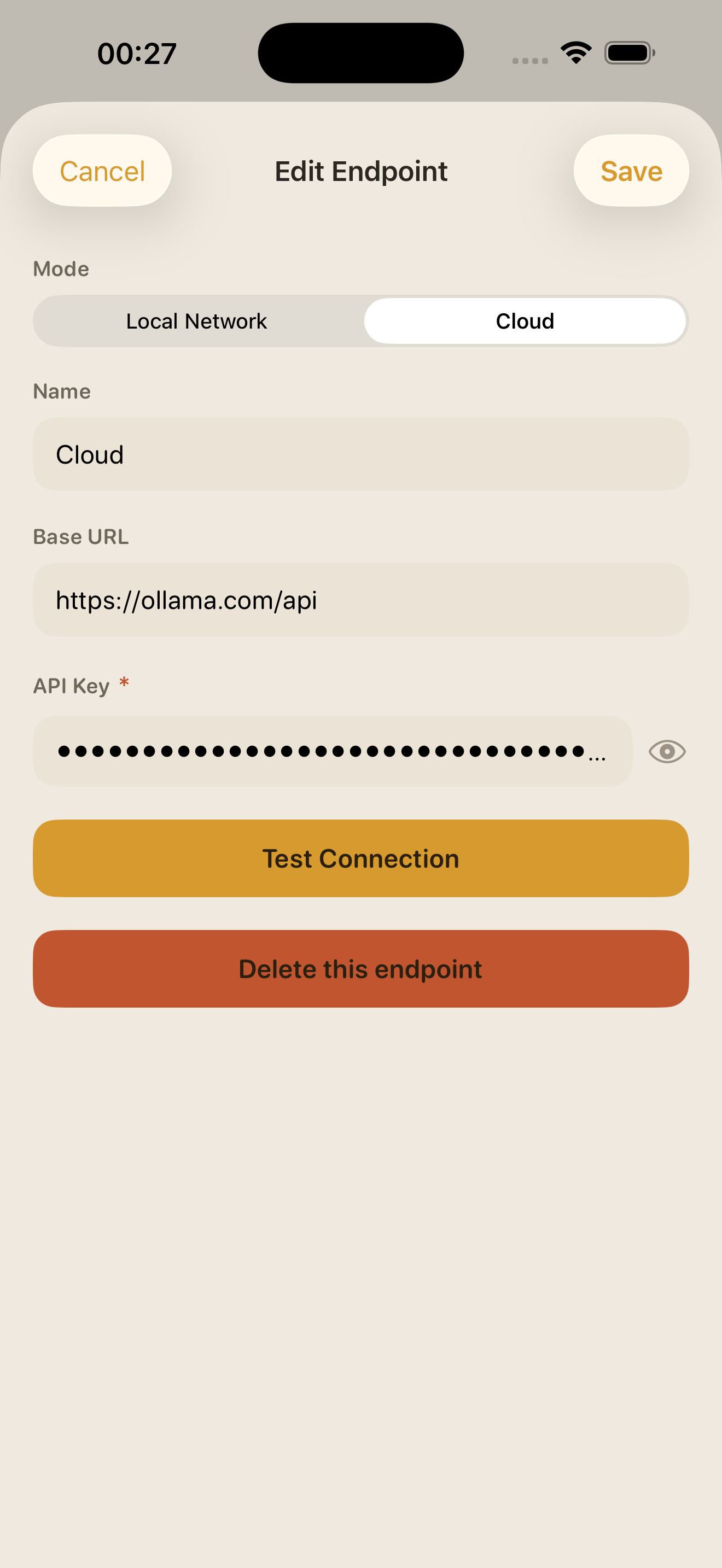
Add cloud connection in Ollama Mobile
03 Add it in the app

Available soon on iPhone and Android.

Download from the App Store Download from Google Play

Features

Explore what you can achieve with the app.

01 Connections

Connect to endpoints you control

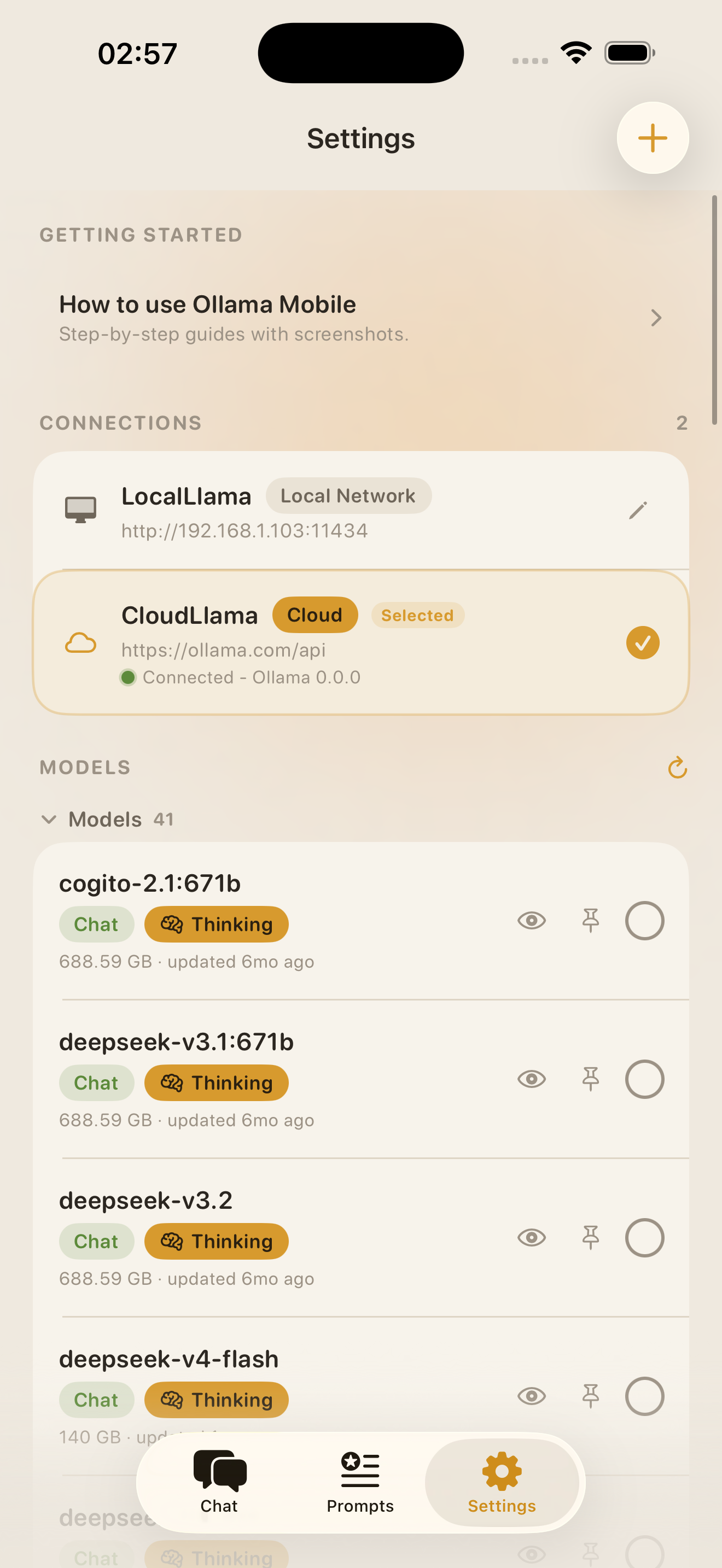
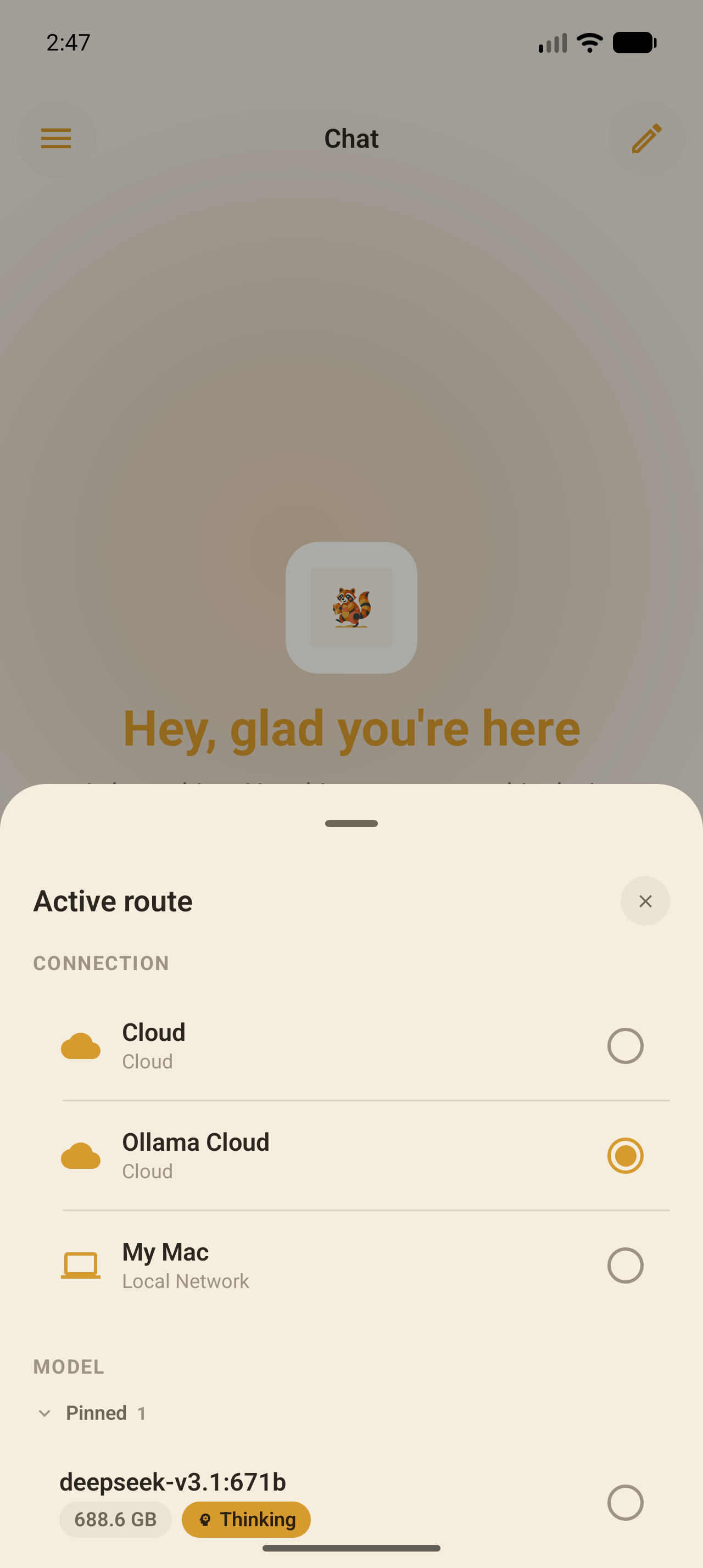
Local network or Ollama Cloud. Endpoint setup is visible and explicit with no hidden calls.

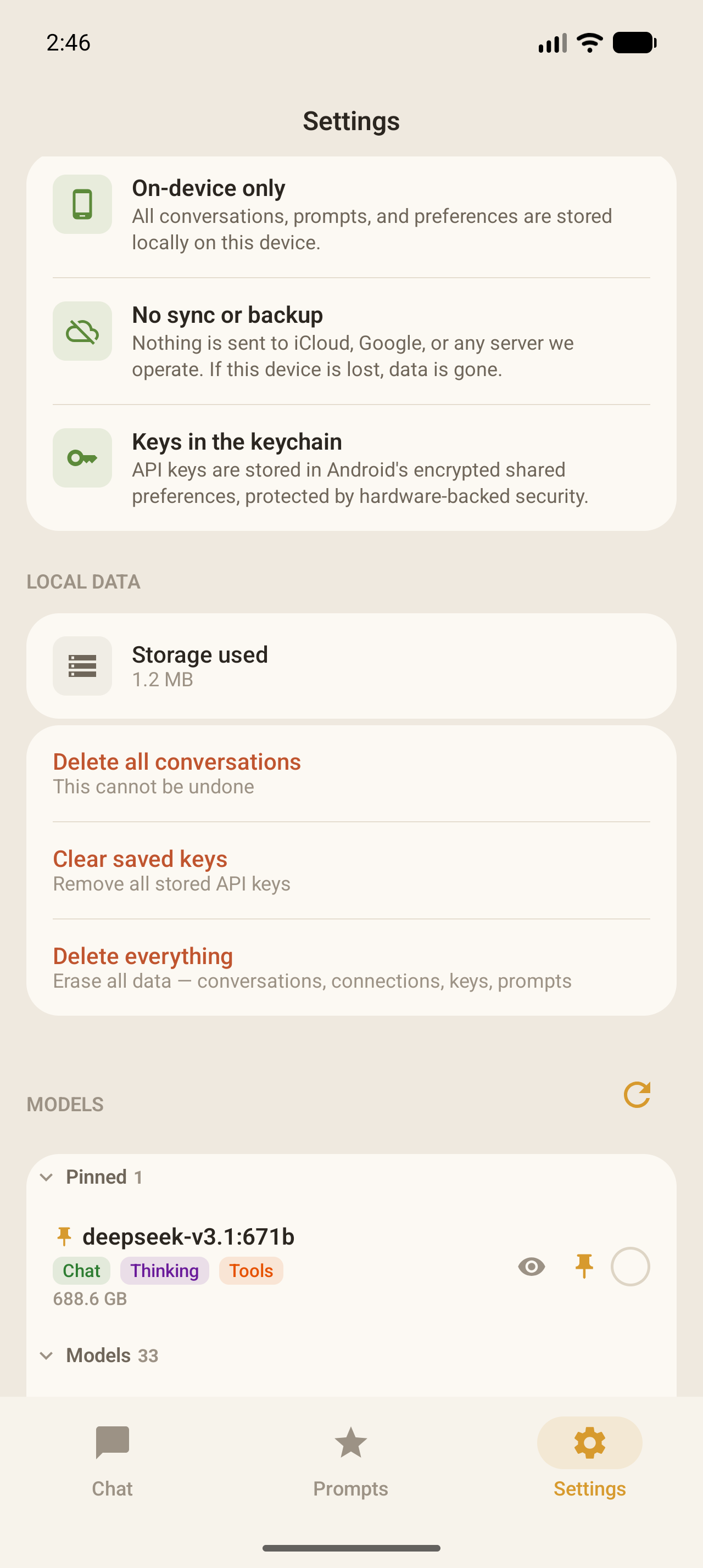
Connections and models settings
02 Privacy

Data stays on your device

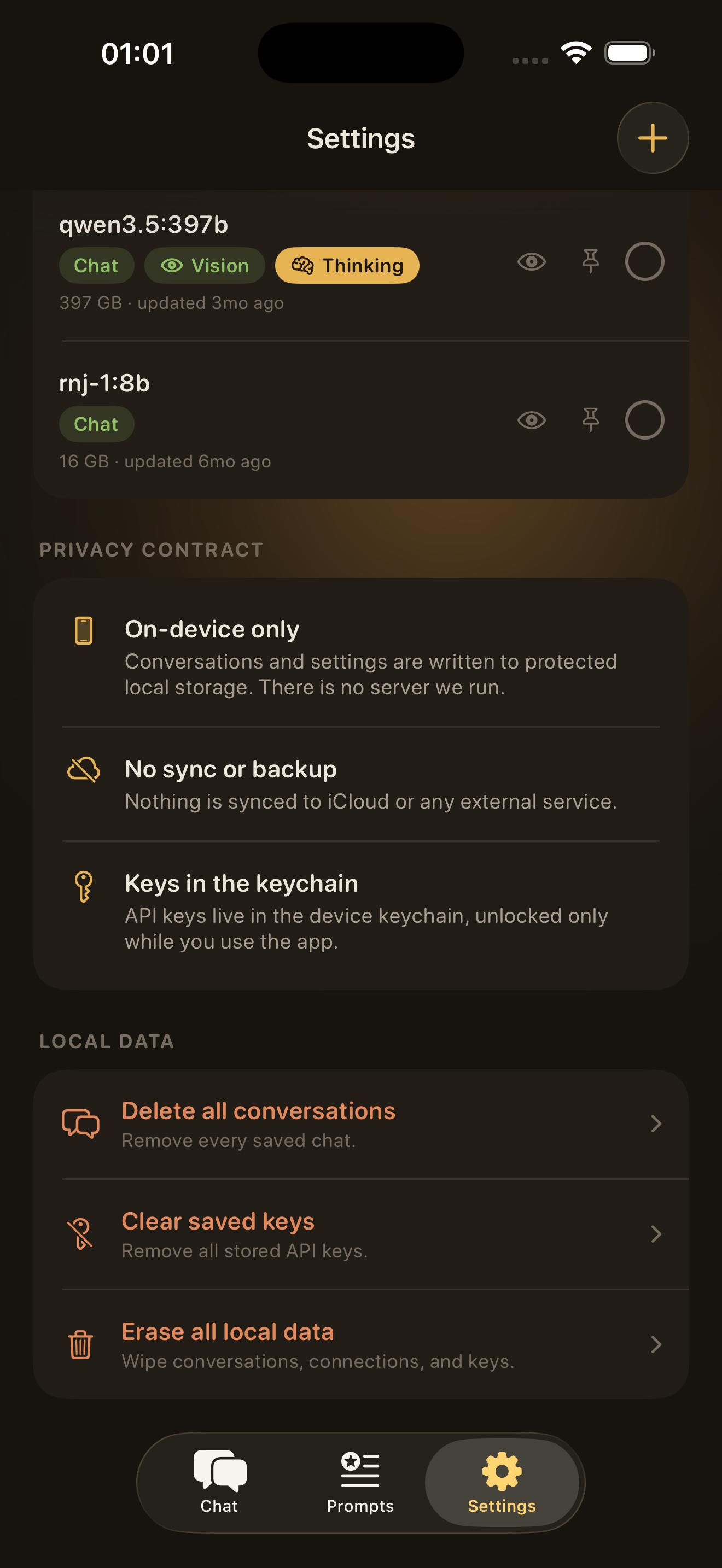
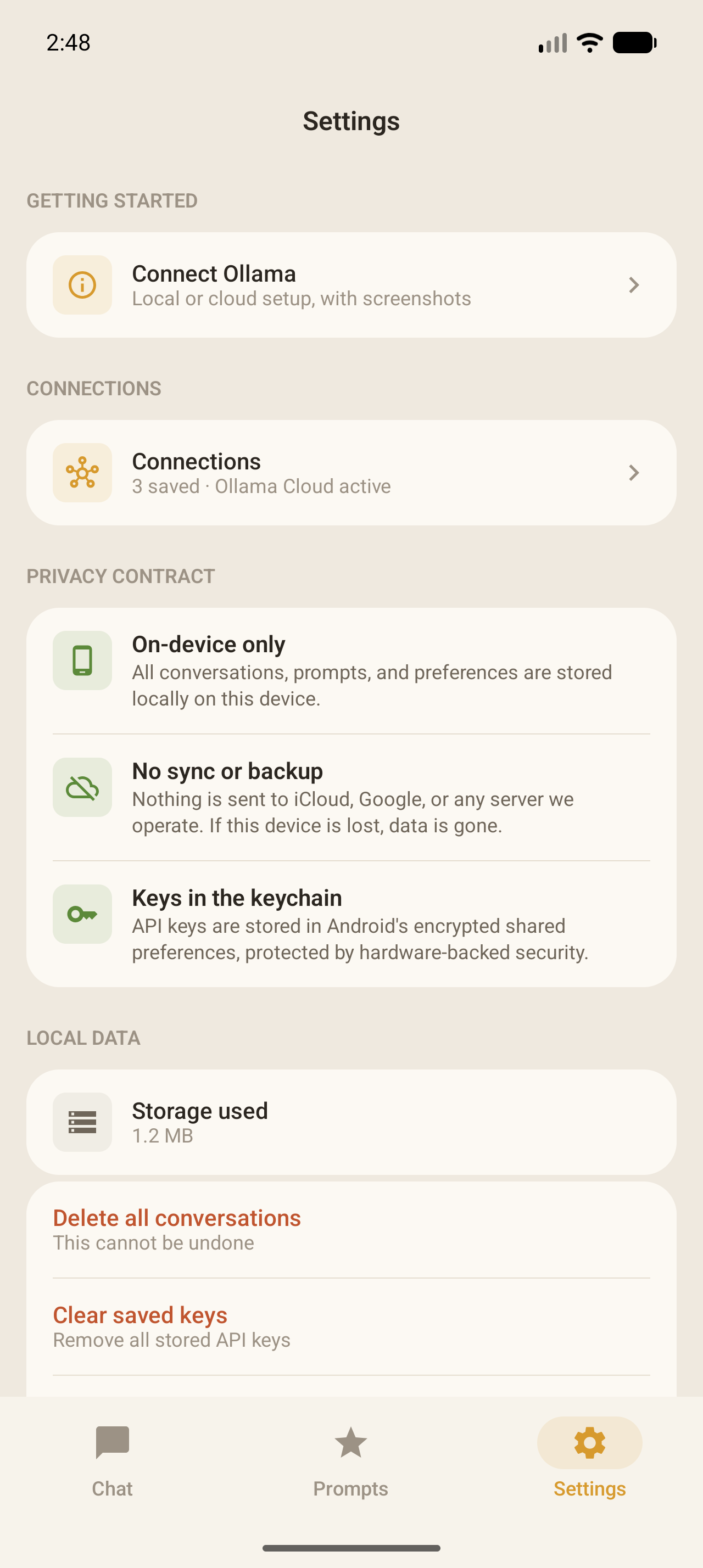
Chats, prompts, and keys never leave the phone unless you point it at an endpoint that sends them.

Privacy settings
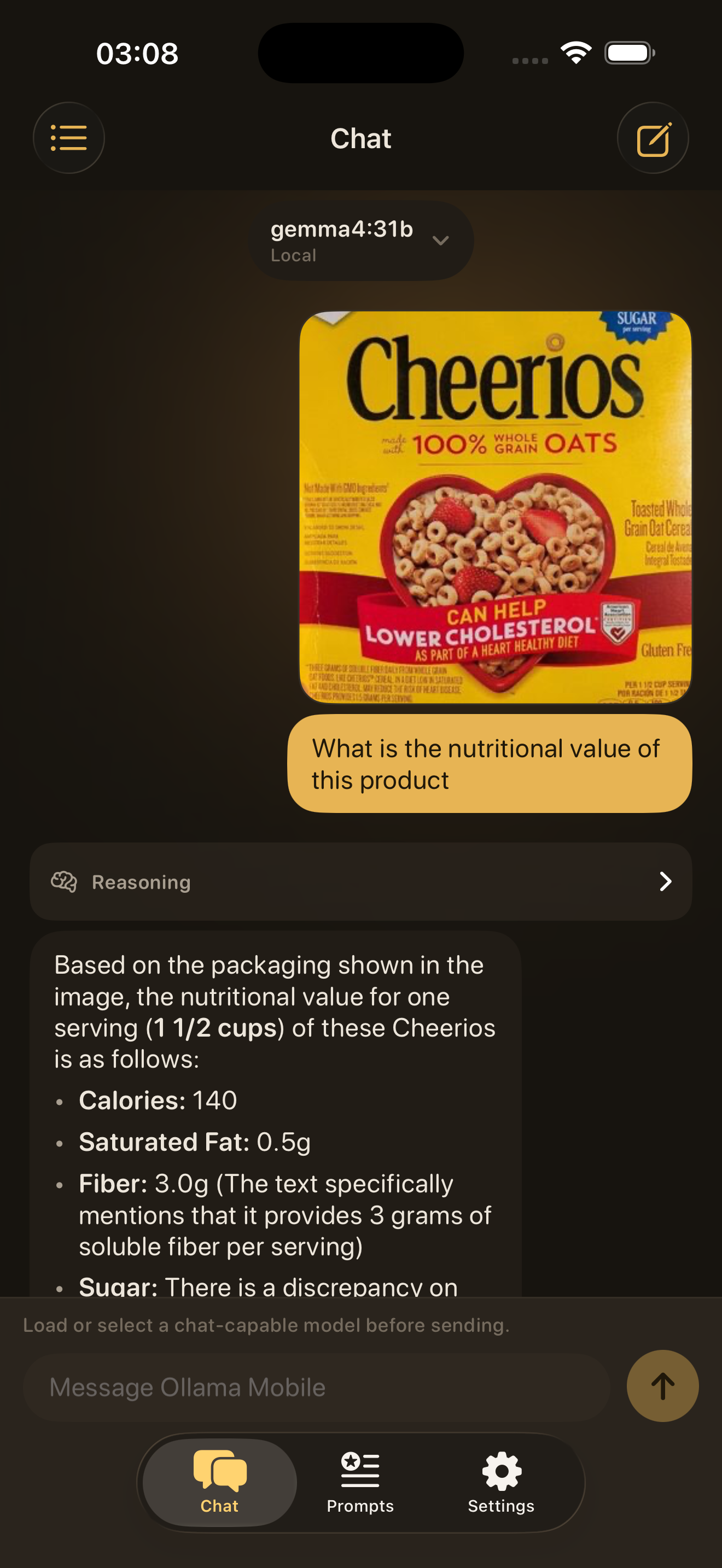
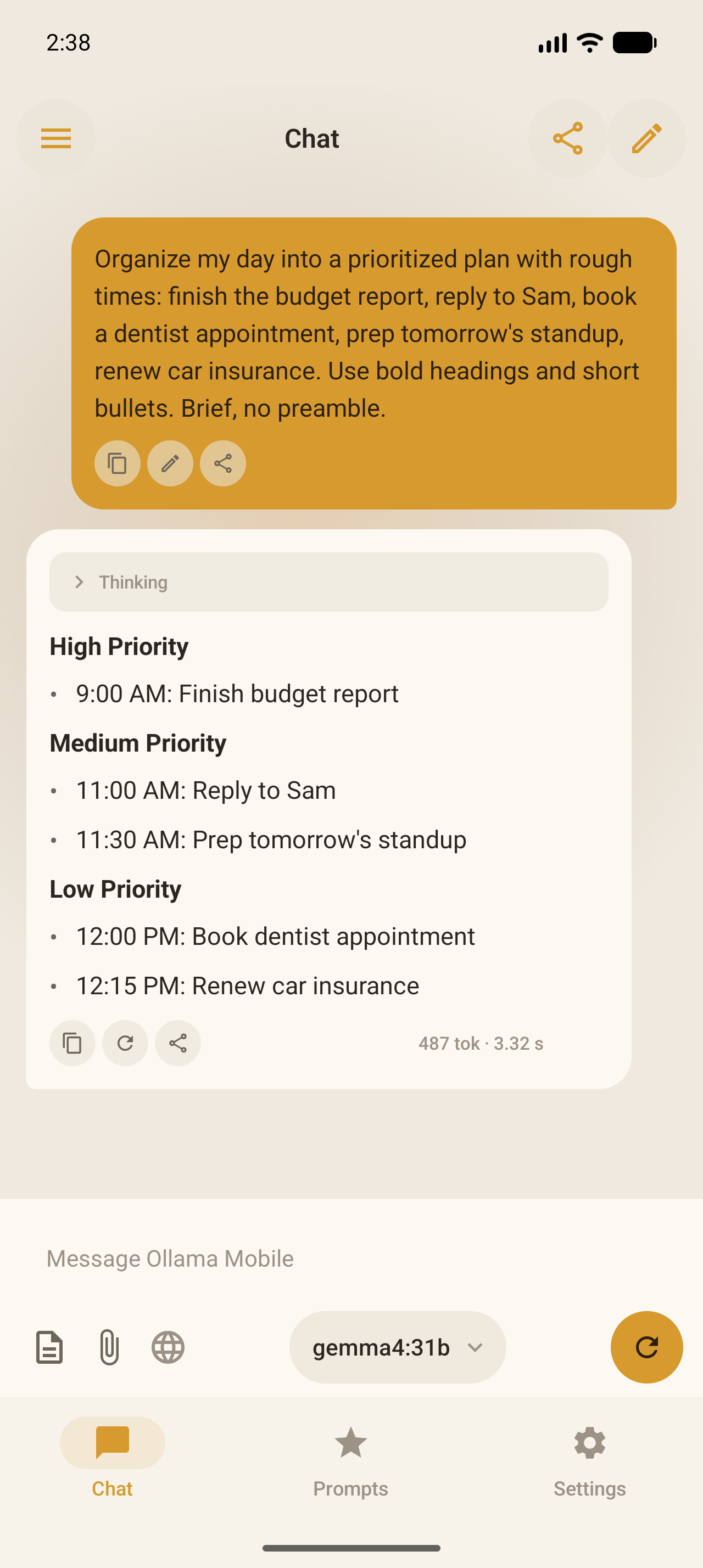
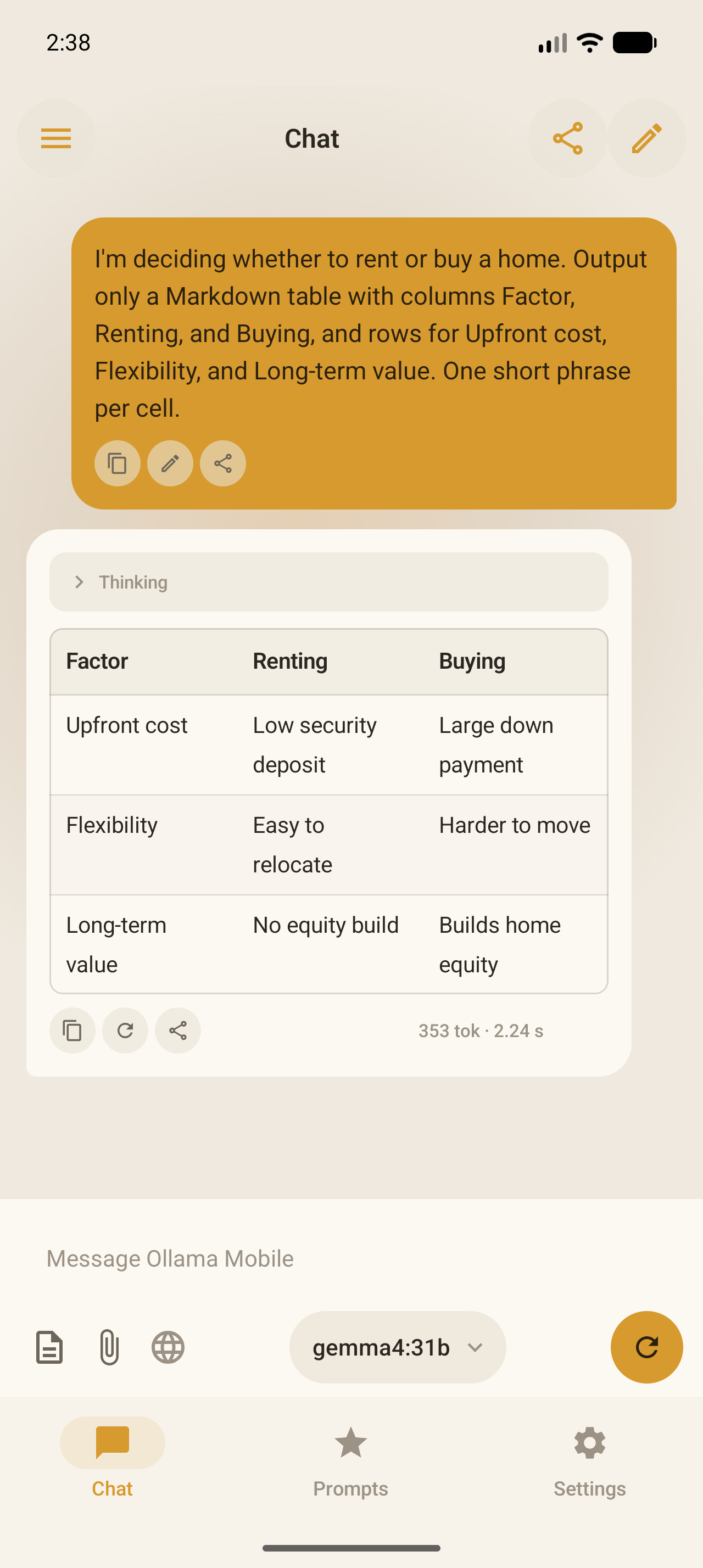
03 Chat

Anytime, anywhere

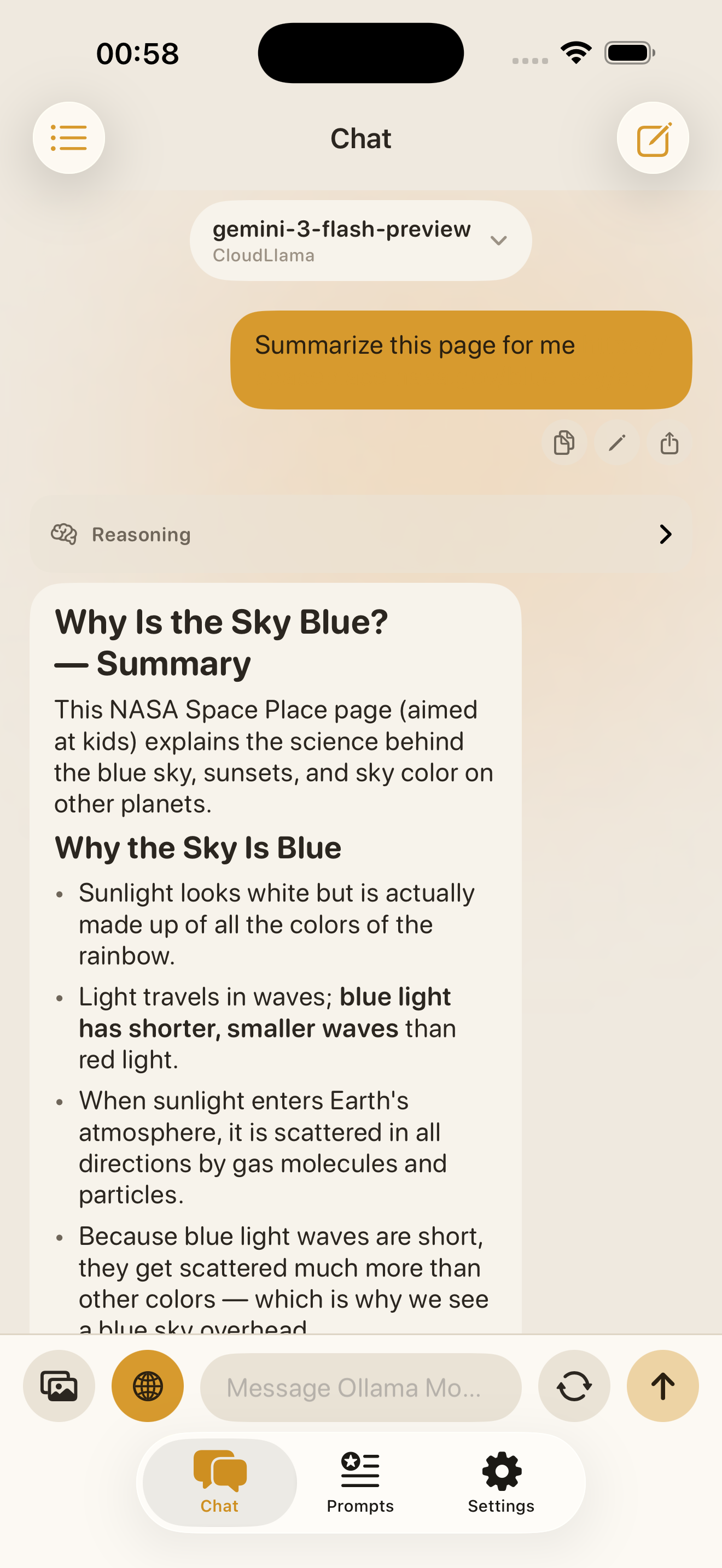
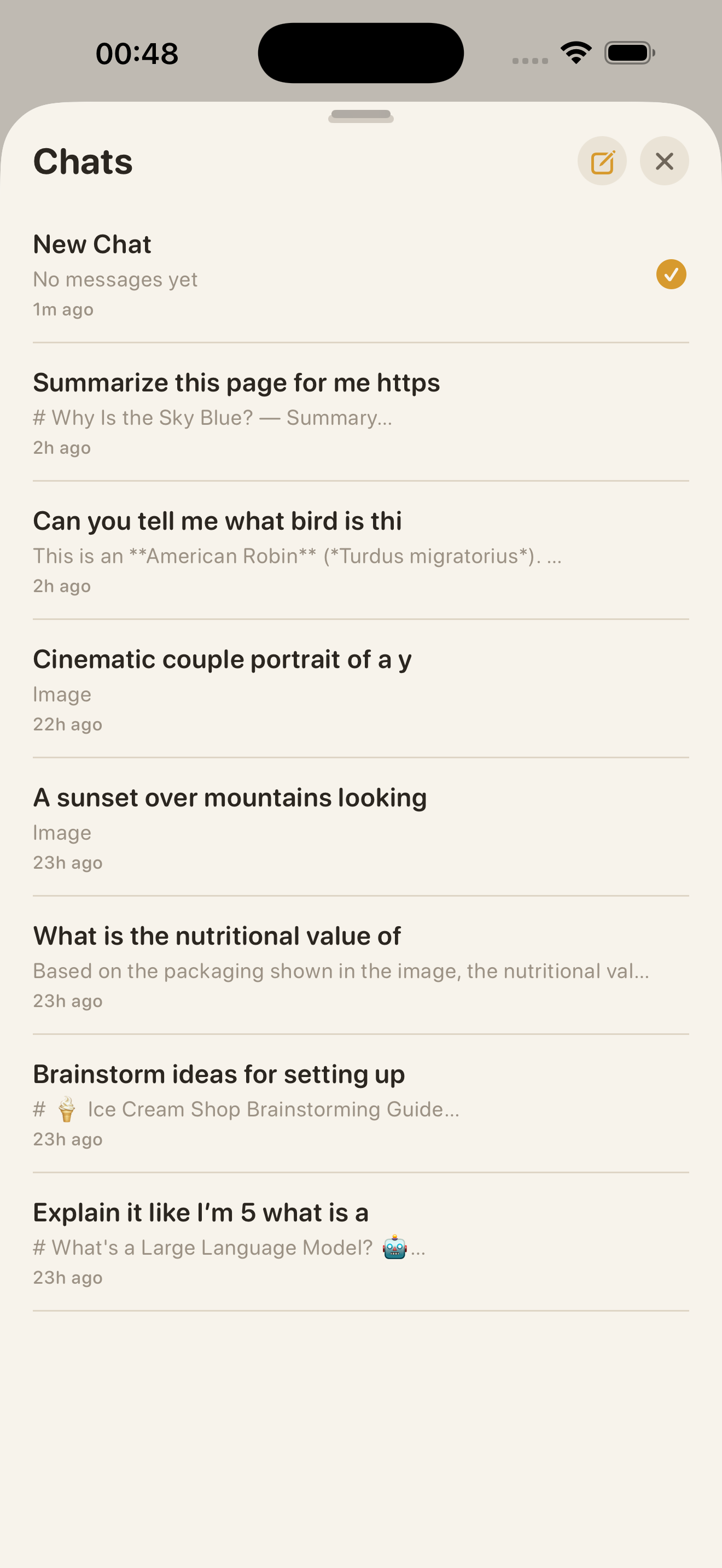
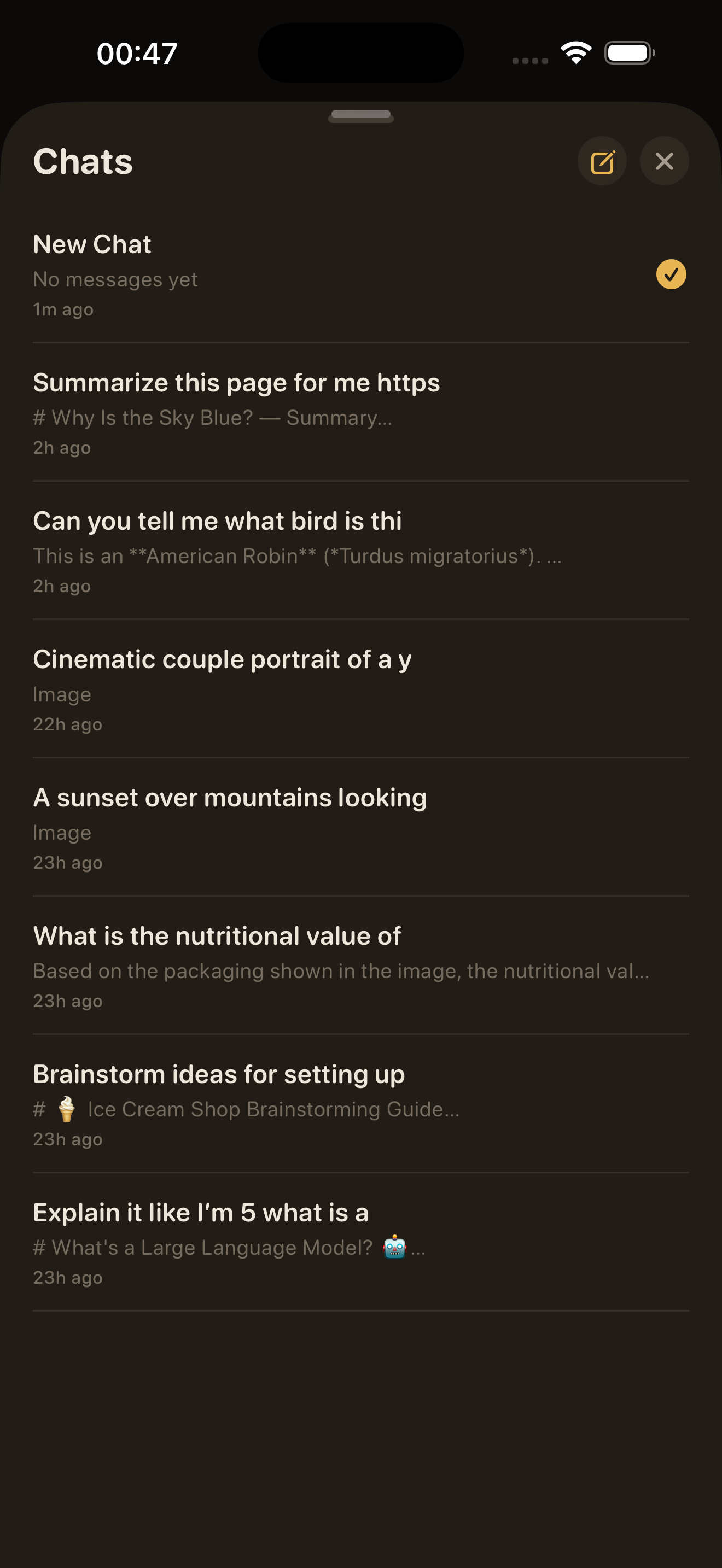
Use any model on local network or Ollama Cloud. Chat history stays on the device.

Chat light mode
Chat dark mode
04 Image Generation

Generate images locally

Point the app at a local image generation model and create without any cloud dependency.

Image generation light mode
Image generation dark mode
Light theme chat list Dark theme chat list
05 Automatic Themes

Light and dark modes that follow your system settings. No manual switching needed.

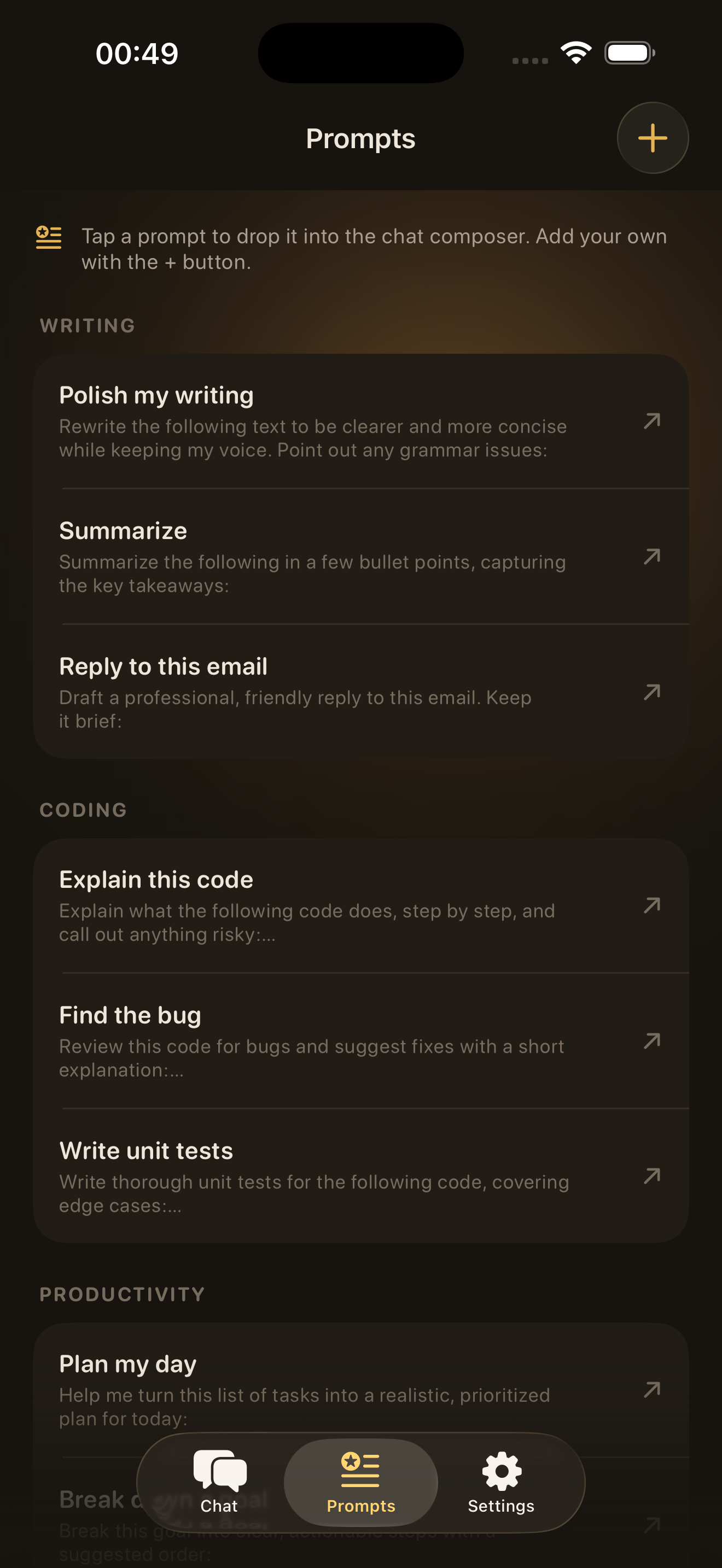
06 Builtin Prompts

Start fast out of the box

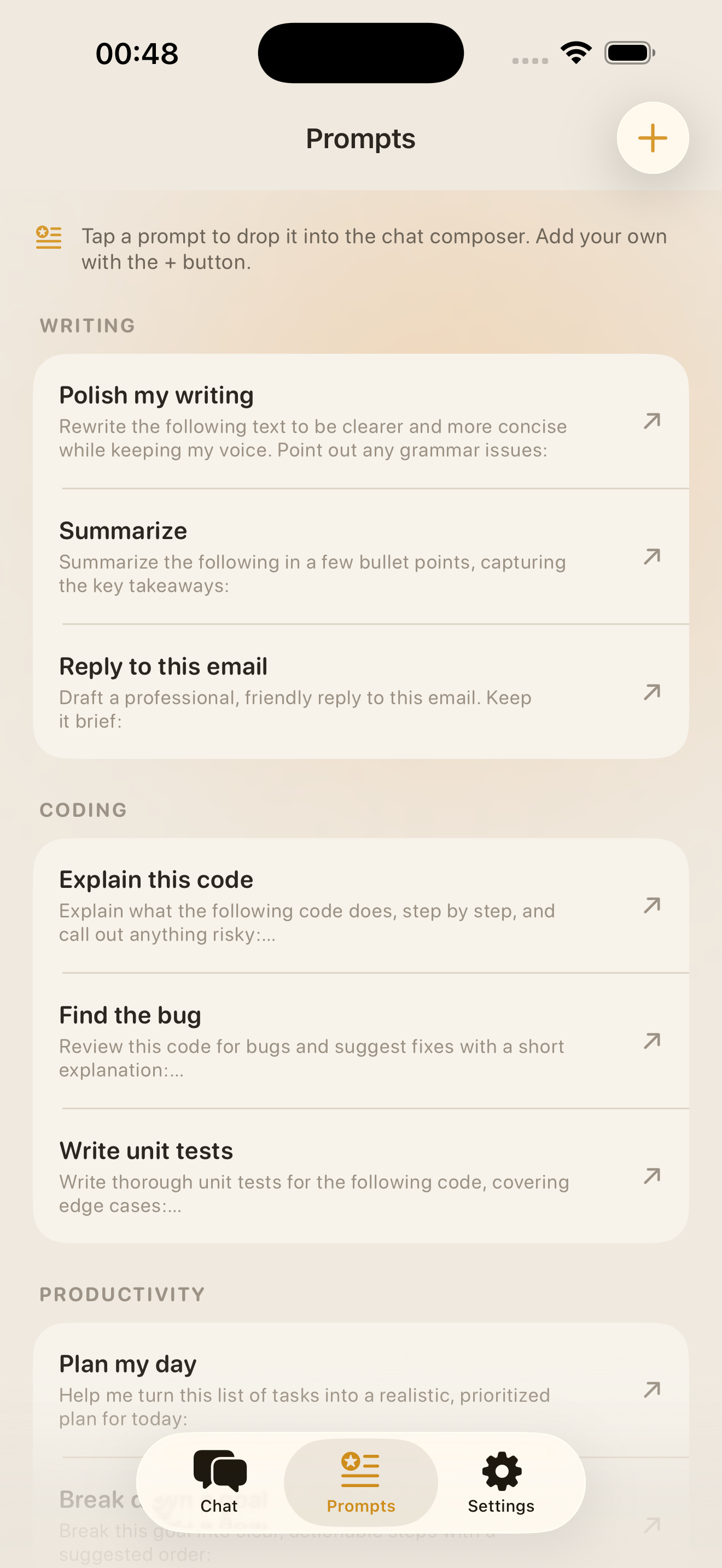
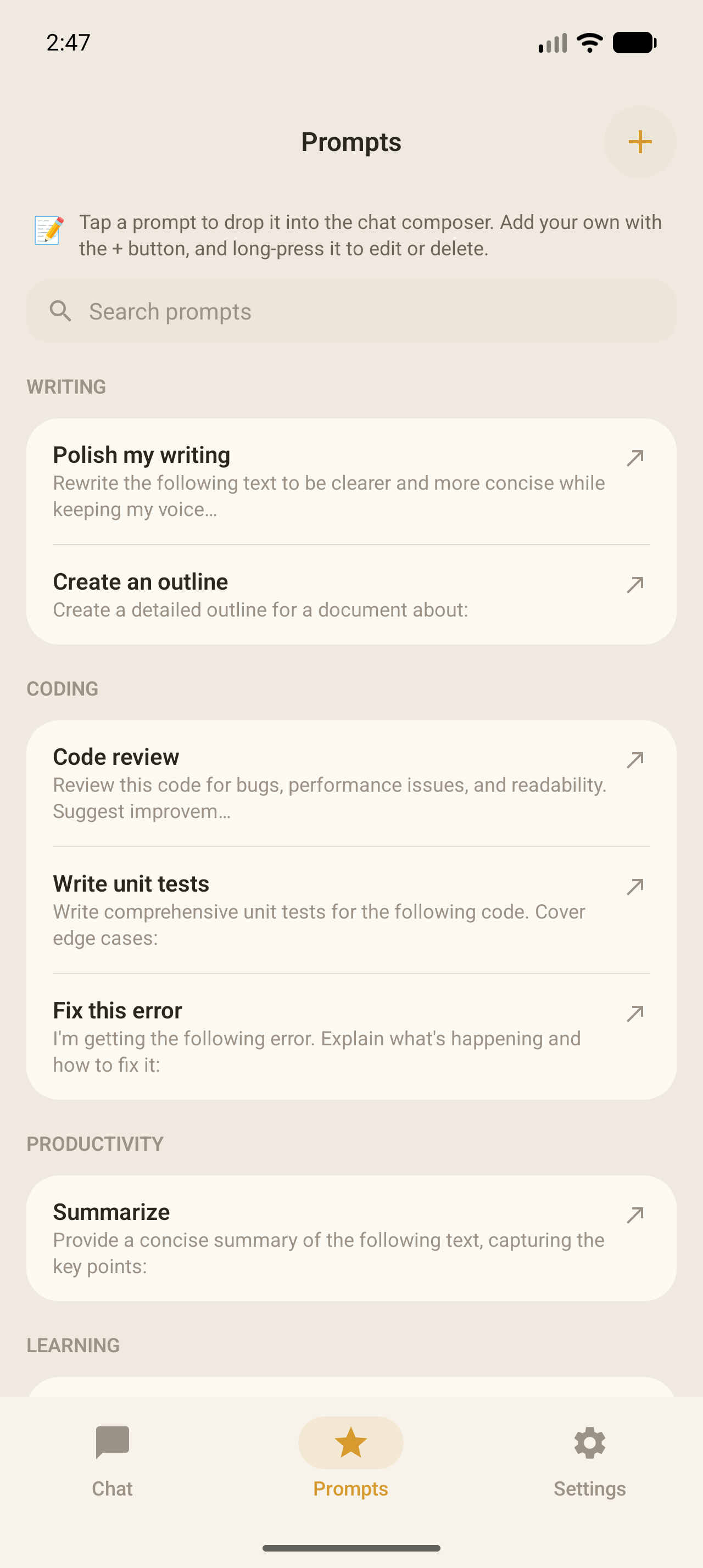
Summarize, explain like I am 5, generate images, ready immediately, no setup.

Builtin prompts screen
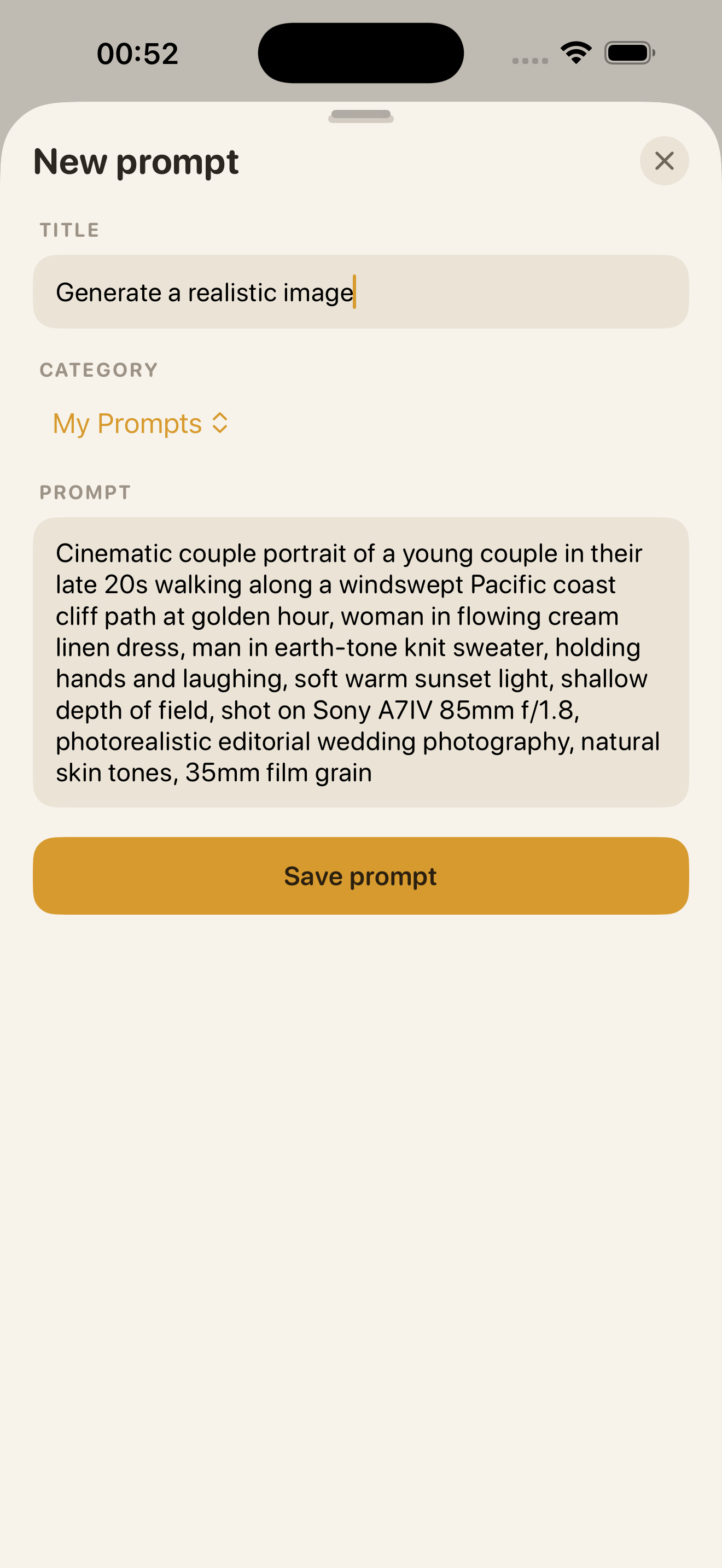
07 Custom Prompts

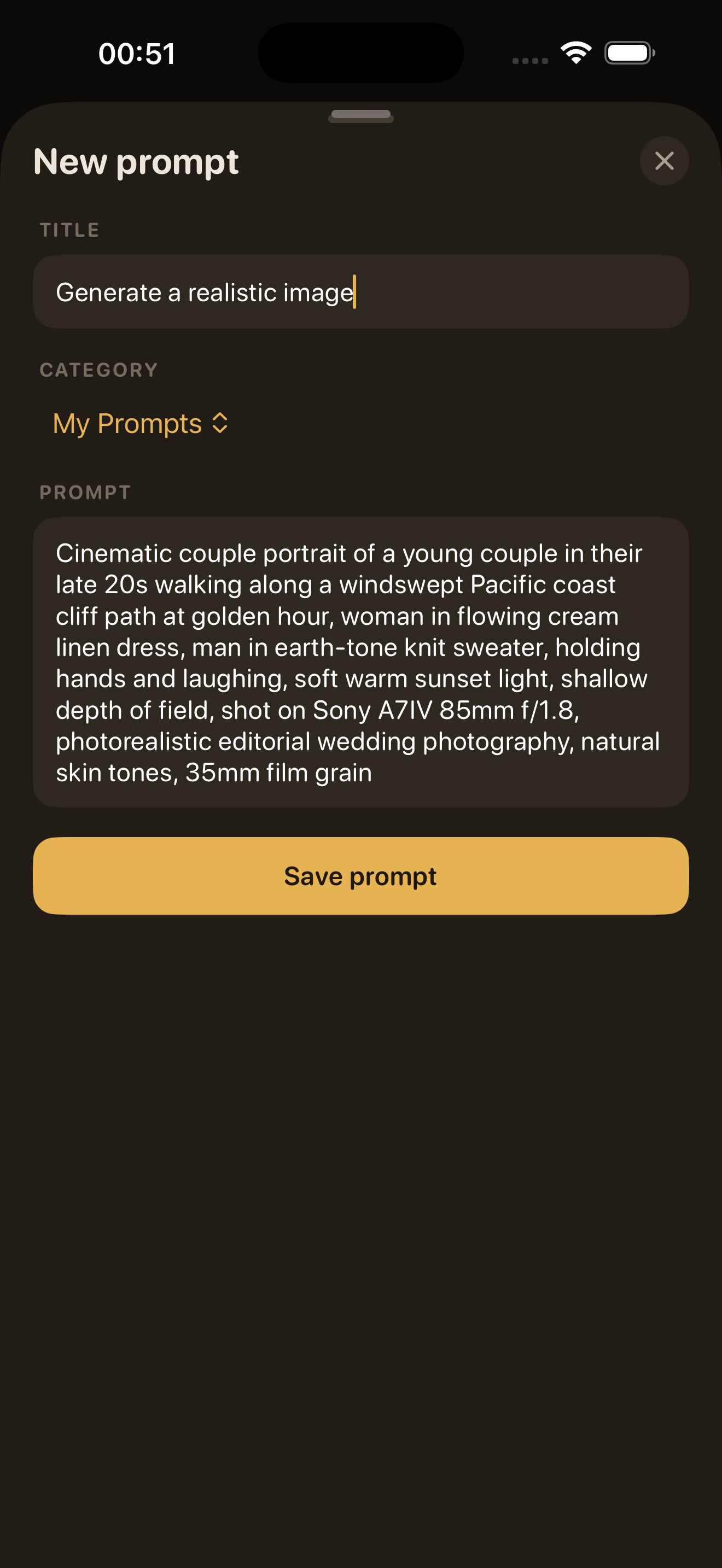
Save your own workflows

Write and save custom prompts for the jobs you run often.

Custom prompt editor
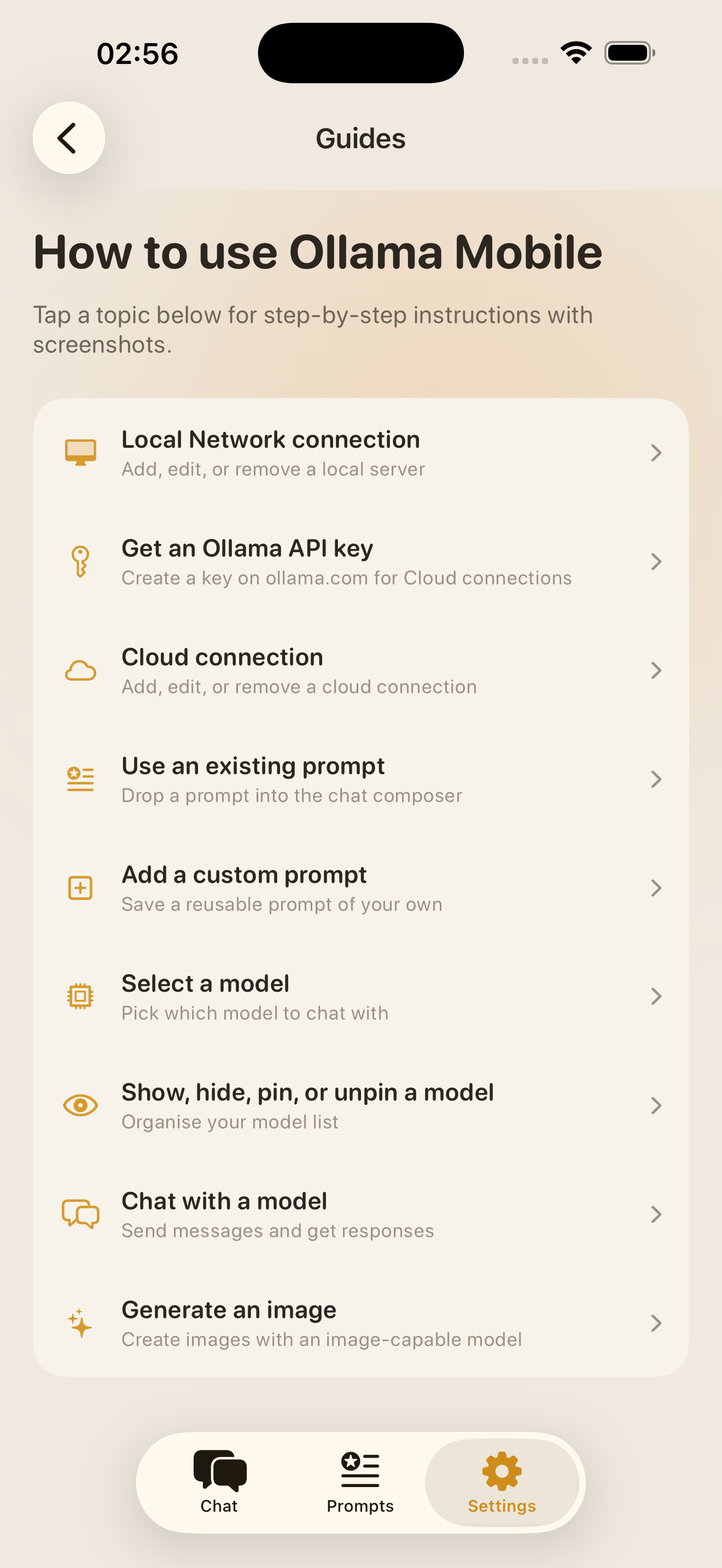
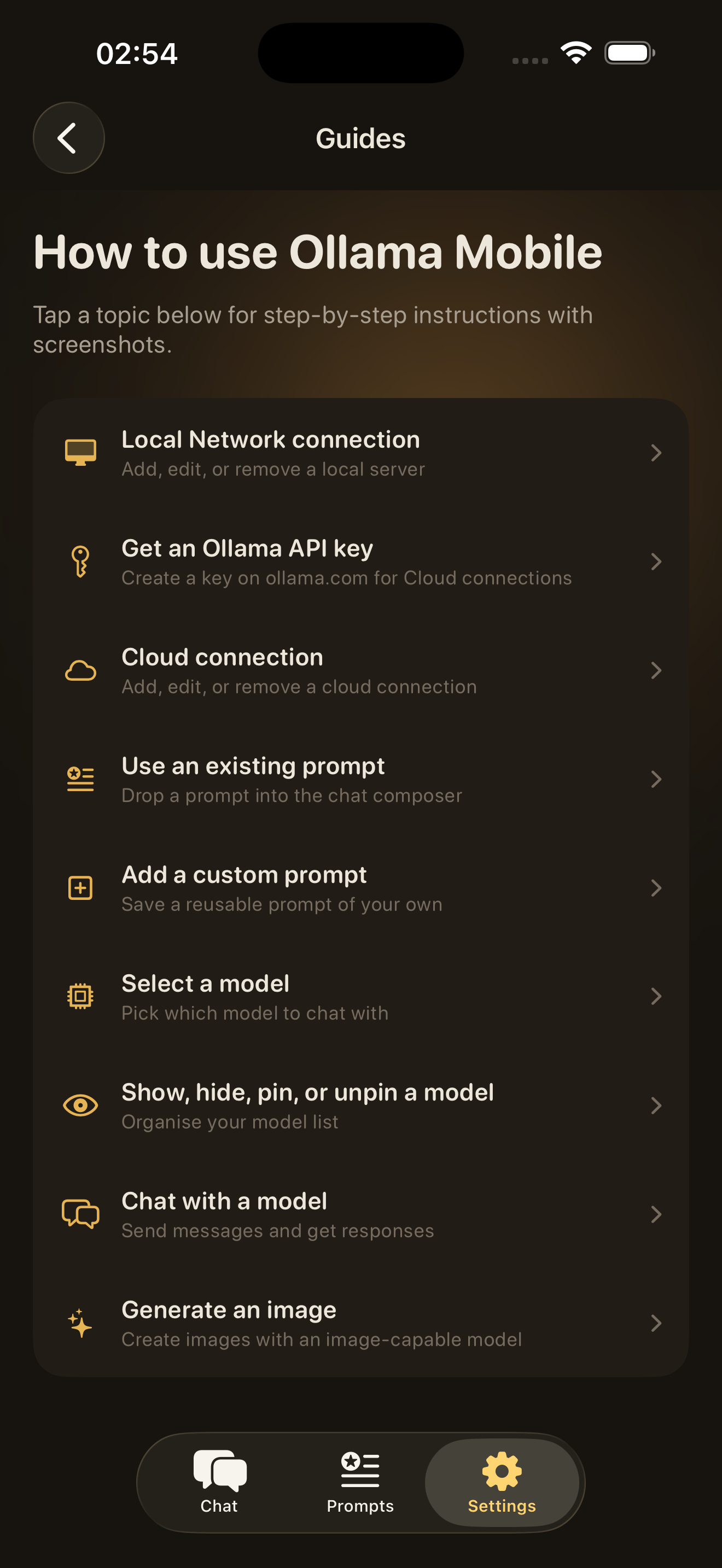
How to use light theme How to use dark theme
08 Getting Started

Up and running in minutes. Connect your endpoint, pick a model, and start chatting.

FAQs

Yes. The app ships with matching light and dark themes. Every chat, prompt, and settings screen renders cleanly in both, so the design language feels deliberate instead of like a skin swap.

Yes. You can ask the assistant to summarize a long thread, explain something like I am five, or generate an image without leaving the chat workflow. The model running on your configured endpoint handles the work; the app just presents the result.

Builtin prompts are one-tap shortcuts for the jobs you repeat, such as summarize or plan a trip. Custom prompts let you save your own instructions and system prompts so the assistant behaves the way you want every time. Both live in the Prompts screen and are one tap away from any chat.

Yes. The Connections and Models screen lets you add, edit, and switch between endpoints. Point it at a model running on your local network, a self-hosted server, or Ollama Cloud. Each endpoint keeps its own configuration and key.

Chats, prompts, and preferences are stored locally on the device. API keys are kept in the operating system credential store (Keychain on iOS, EncryptedSharedPreferences on Android). Nothing is synced to the cloud and there is no account required to use the app.

Use the Support page. The contact form goes to the team, and it helps to include your endpoint type, the model in use, and what you expected versus what happened so we can reproduce quickly.